Industry
Fintech Kids
Client
Osper Card
Osper Card — Auto Top-Up & Balance Notifications
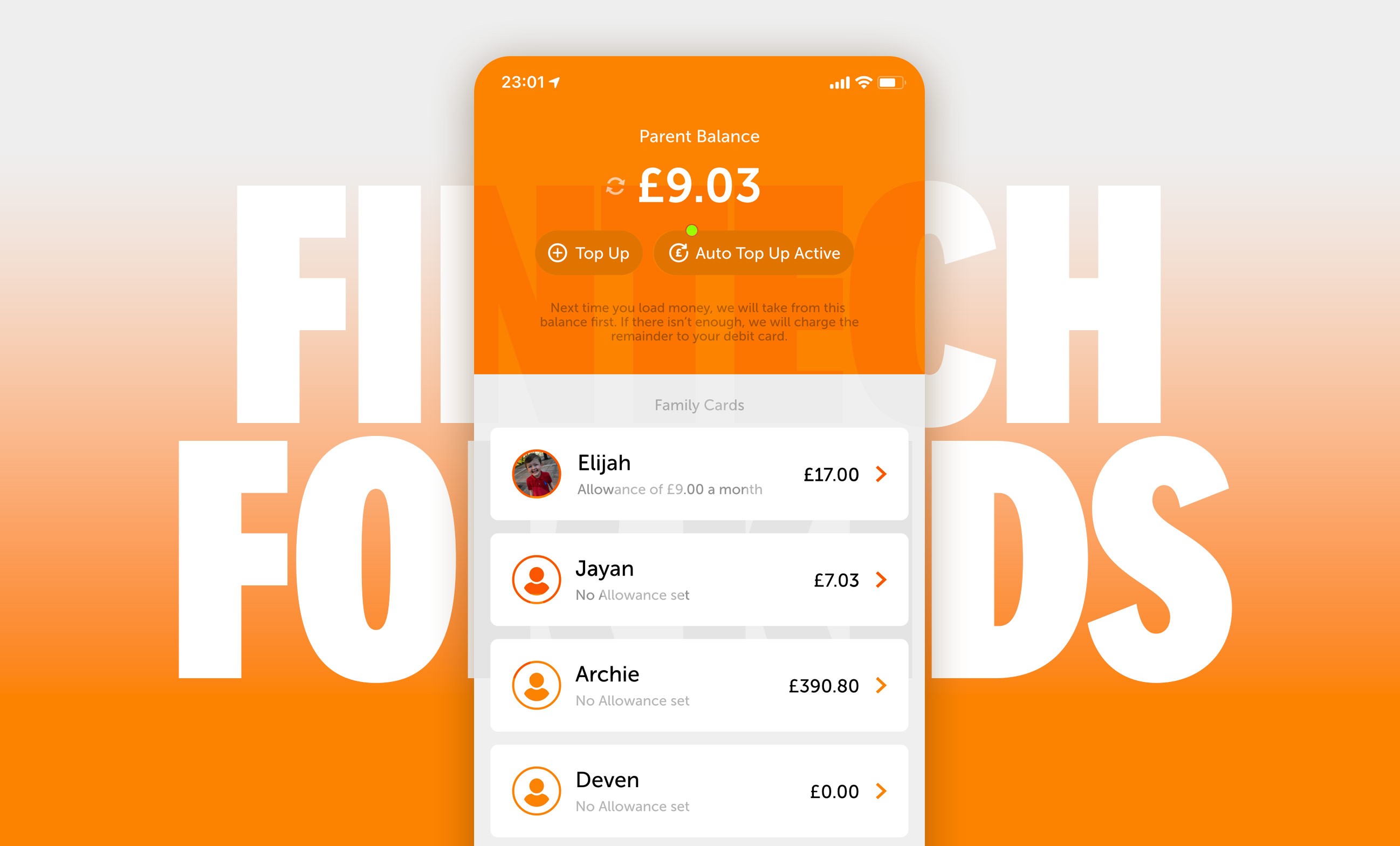
Osper is a family fintech product. Children have a physical Mastercard for everyday life.
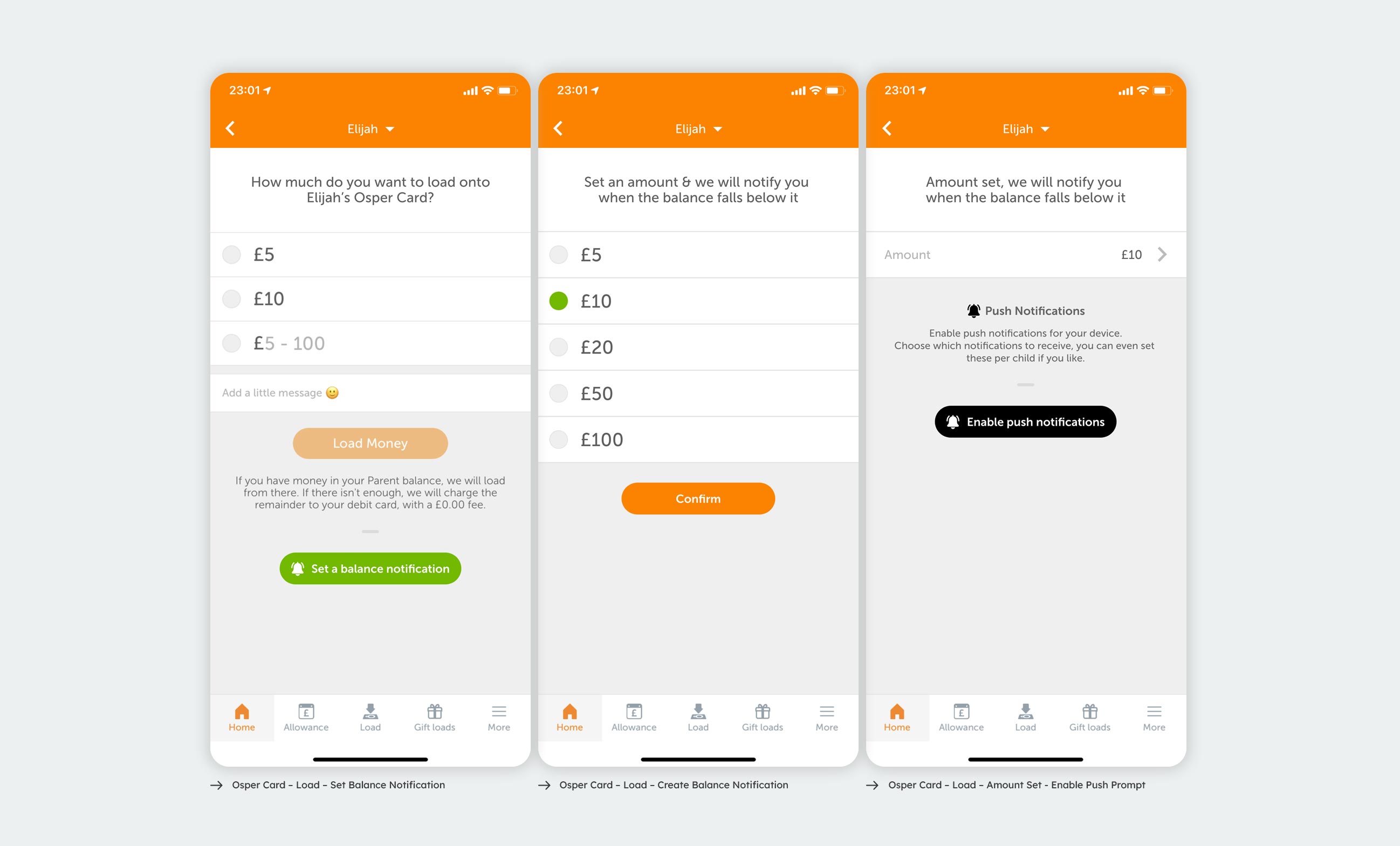
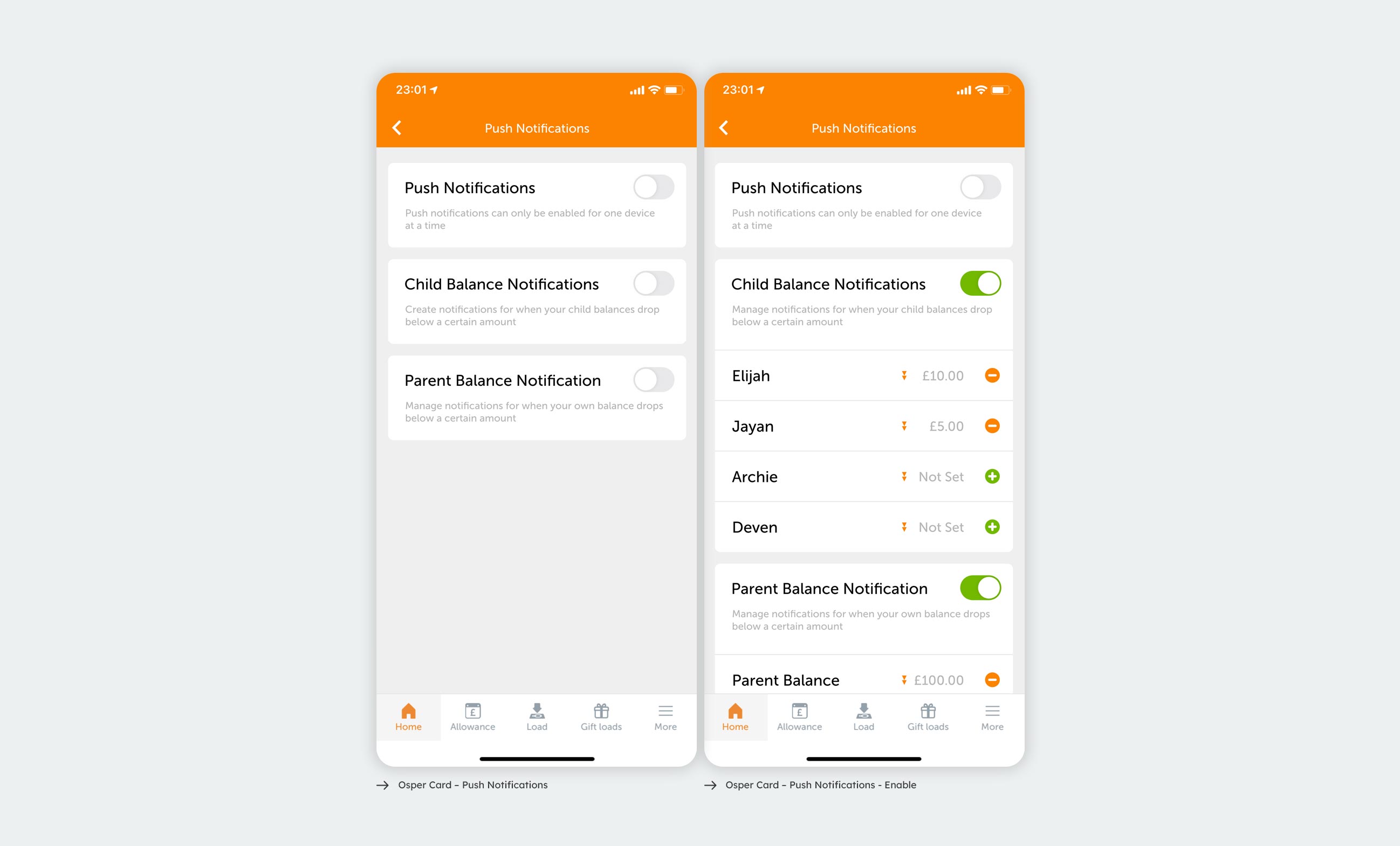
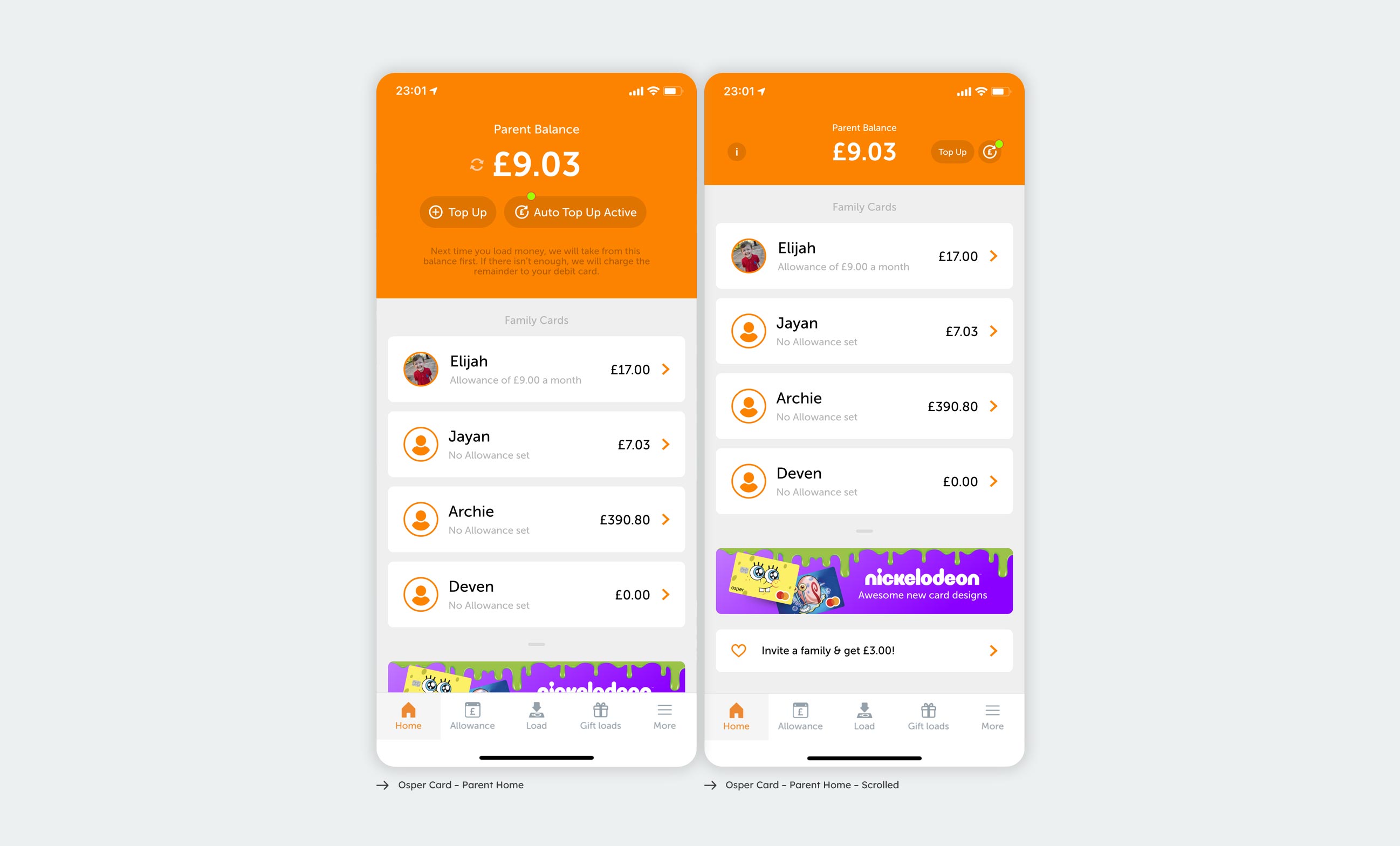
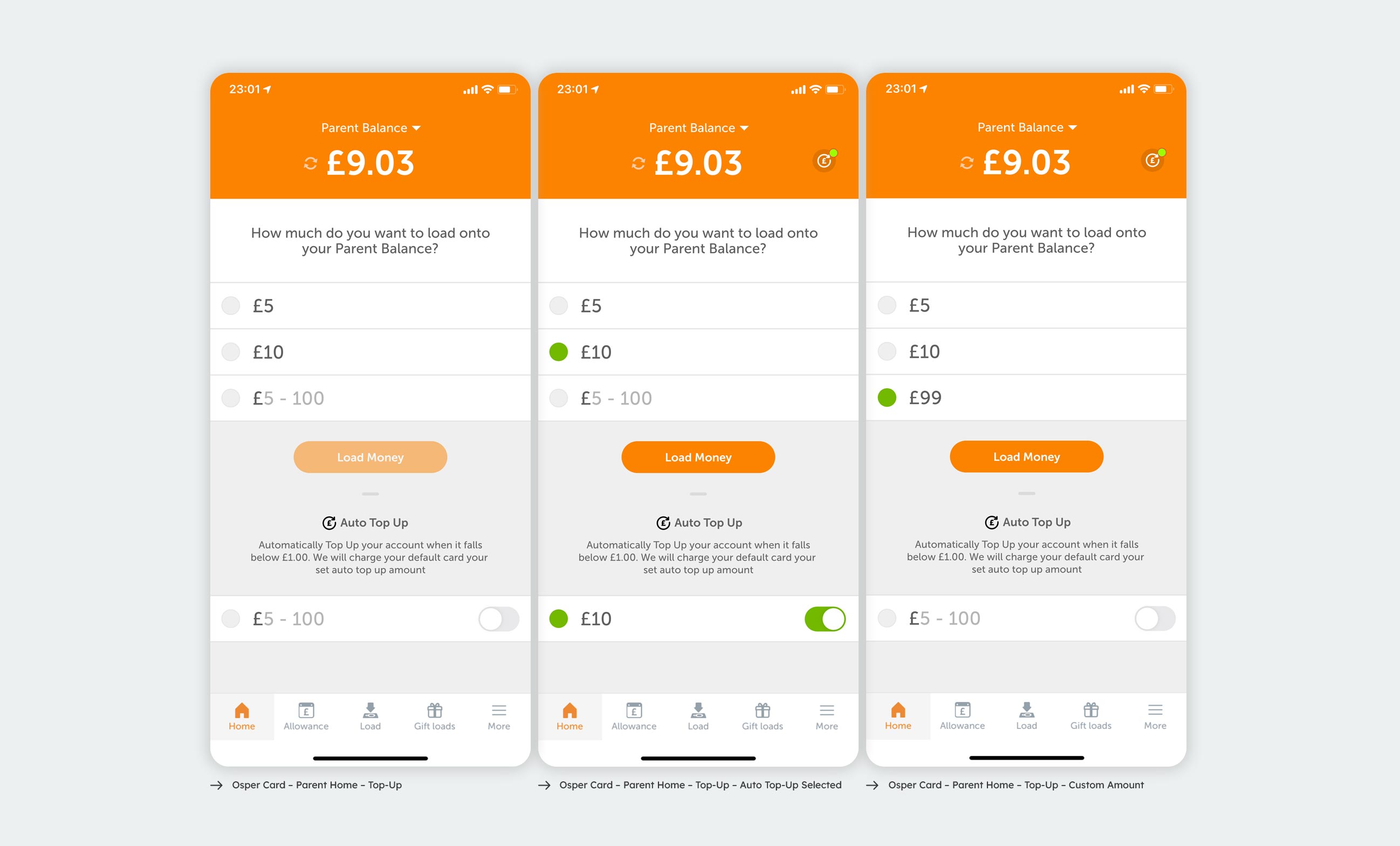
How Osper Works Osper helps teach children to spend and save their pocket money more wisely with their very own debit card, an app for children to track their spending & saving each month. Parents get their own app that lets them set an allowance, oversee their children’s spending, load money for emergencies (or if they’ve earned it), and lock the card if it’s been lost or stolen. The assignment With Osper, children carry a physical Mastercard, and parents manage everything from an app, including their own parent balance and a separate card for each child. This project covered two small but closely related features, both of which help a parent keep a child's card from running dry: auto top-up, which reloads a balance automatically when it falls below £1, and balance notifications, which alert a parent when a balance drops beneath an amount they choose. I designed both flows, along with the push notification settings that make those alerts actually work.
The design thinking
The guiding idea was to add these controls without adding a separate chore. Both features are layered onto actions the parent already takes rather than tucked away in a settings menu. Auto top-up sits inside the same load screen used for a one-off top-up, so a parent setting up automatic loading reuses the exact amount selector they already understand, and a short line of copy explains plainly when and how their card will be charged. Balance notifications follow the same pattern. After loading a child's card, the parent is offered the option to set a notification, picks a threshold from the familiar list of amounts, and is then prompted to enable push so the alert can reach them. One selection control, the £5 / £10 / custom pattern, is reused across the parent balance, each child's card, the auto top-up amount and the notification threshold, so there is a single mental model to learn rather than four.